A commonplace book is a personal collection of material worth returning to: ideas, passages, facts, questions, examples, images described in words, and your own observations. Unlike a diary, it does not need to tell the story of your day. Unlike a book summary, it can bring material from many sources together under themes that matter to you.
The practice has a long history. Early modern readers often copied extracts under subject headings; surviving books show that individual systems varied widely. That flexibility is still the point. Your commonplace book can be paper or digital, chronological or topical, minimal or richly connected. It succeeds when you can capture something without breaking your reading, preserve enough context to understand it later, and retrieve it when a real question appears.
Use the workflow below to begin with one notebook, a few useful rules, and no elaborate setup.
1. Decide what your commonplace book is for
A commonplace book without a purpose easily becomes a warehouse of attractive sentences. Give yours a practical job before choosing categories or software.
Complete this sentence: I want this commonplace book to help me… Possible endings include developing essays, collecting examples for teaching, noticing patterns across history, improving creative work, remembering useful distinctions, or following questions across several books.
Write your answer on the first page. Then add two or three current interests. “Creativity” is broad; “how constraints improve creative decisions” is easier to use. “Leadership” is broad; “how teams communicate uncertainty” gives you a filter for deciding what belongs.
Your purpose is not permanent. Review it when your work changes. But a temporary purpose is better than no selection rule. It helps distinguish a reusable idea from a passage that is merely pleasant in the moment.
If you want a broader system for turning reading into connected notes, explore non-fiction reading systems. A commonplace book can be one component of that system rather than the whole thing.
2. Choose a format with low capture friction
Paper offers focus, spatial memory, and freedom from app maintenance. Digital tools offer search, links, duplication, and easier rearrangement. Neither format is inherently superior. Choose the one you will open while reading and can maintain without resentment.
For paper, start with a bound notebook, number the pages, reserve several pages for an index, and keep one writing tool nearby. A ring binder or disc-bound notebook is useful if you expect to reorganize pages. For digital use, a plain notes app, document, spreadsheet, or Markdown folder is enough. Exportability and dependable search matter more than advanced features.
You can also use a hybrid approach: capture quickly on paper, then transfer only the strongest entries into a searchable digital collection. The transfer becomes a review step. Avoid duplicating everything automatically, because two unsynchronized archives create maintenance rather than insight.
Commit to one primary location for a month. Tool switching can feel productive while preventing the repeated use that makes a system valuable.
3. Create one small entry template
A useful entry preserves the material, its origin, and your reason for saving it. Use a compact template:
- Entry title: a specific phrase or claim you could search later;
- Source: author, title, chapter, page, location, or URL;
- Captured material: a brief quotation or accurate paraphrase;
- My note: why it matters, what it connects to, or what you question;
- Topics: one to three useful headings;
- Date: optional, but helpful for tracing changes in your thinking.
Keep quotations short and proportionate. Copying several pages increases rights and context risks and makes the entry harder to process. When exact wording is not essential, paraphrase in your own words and retain the source locator. Clearly distinguish a direct quotation from your paraphrase and your interpretation.
A title such as “Attention” gives little help in search. “Novelty can disguise weak evidence” or “Constraints reduce the number of creative decisions” tells your future self what the entry contains.
4. Capture selectively while you read
Do not turn every highlight into a commonplace entry. Pause when material does at least one useful thing:
- answers an active question;
- names a pattern you have noticed but could not express;
- supplies an example, analogy, or counterexample;
- challenges your current view;
- offers language you may need to quote accurately;
- creates a question worth following;
- connects clearly with an existing entry or project.
During a reading session, mark candidates rather than fully processing every one. At a chapter break, choose the few that still seem meaningful. This protects immersion and reduces the pile of contextless fragments you will need to clean up later.
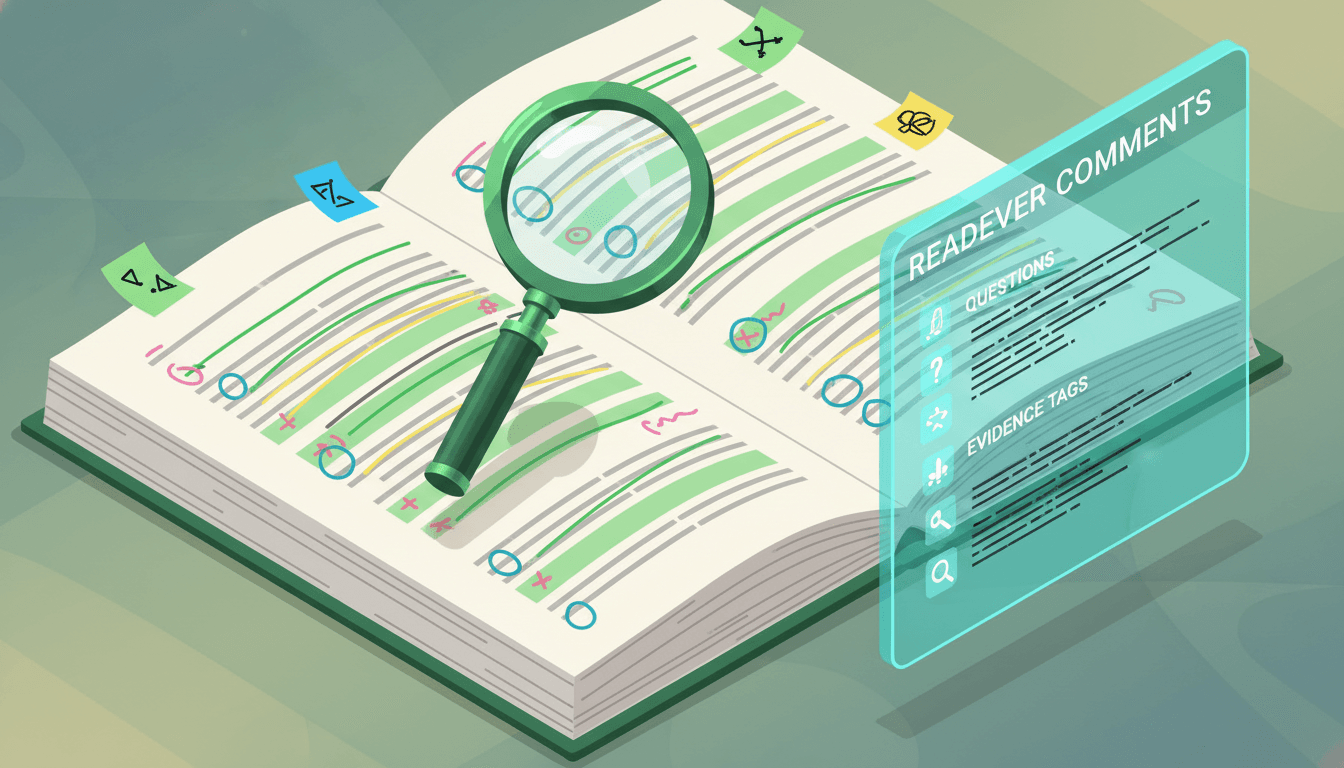
Readever’s AI book highlights can support selection and review, but automated suggestions are not a judgment of importance. Return to the surrounding text, confirm the wording and source, and decide what belongs based on your purpose.
A good capture is not necessarily profound. A concrete example you can use tomorrow may be more valuable than a grand statement you cannot place in context.
5. Add your response before filing the entry
The difference between a quotation collection and a working commonplace book is your response. Add at least one sentence that explains why the item deserves space.
Useful prompts include:
- What does this help me understand?
- What assumption does it depend on?
- Where might it fail?
- What other entry supports or contradicts it?
- What would this look like in a concrete situation?
- Which project or conversation could use it?
Label uncertainty. If you have not verified a factual claim, write “claim to check” rather than storing it as settled knowledge. If an AI tool helped explain a passage, treat that explanation as provisional and compare it with the source. Your commonplace book should preserve the difference between the author’s words, another system’s output, and your interpretation.
This response can be brief. “Contrast with the scarcity argument in entry 24” is enough to create a retrieval path. The goal is not to write an essay about every passage; it is to leave a reason you can understand later.
6. Organize with a light index, not a perfect taxonomy
Start with a small set of broad headings tied to your purpose. Examples might include attention, incentives, craft, uncertainty, teaching, systems, or character. Allow one entry to appear under more than one heading when that improves retrieval.
For paper, add the page number beside each relevant term in the front index. You can also use simple symbols for questions, project material, or items to verify. For digital notes, use consistent topic labels and descriptive titles. Links are most useful when accompanied by a phrase that states the relationship: supports, contradicts, example of, depends on, or useful for.
Do not design dozens of empty categories in advance. Let recurring material reveal the structure. When a heading becomes crowded, split it around actual distinctions. If a heading remains empty, remove it without guilt.
Browse the creativity category when you want source material for a creative-practice section, but keep your entries selective and source-aware rather than importing a catalog wholesale.
7. Review on a rhythm that creates retrieval
A collection becomes useful through return. Schedule a short weekly review and a slower monthly or project review.
During the weekly review, complete unfinished source details, add your response to weak entries, update the index, and delete duplicates or material that no longer makes sense. Then choose one older entry and connect it to something recent.
During the monthly review, select one live question. Gather the related entries and write a short synthesis: what the sources agree on, where they differ, what remains uncertain, and what you currently think. This synthesis reveals whether the book helps you reason or merely store text.
You can also practice retrieval by closing the entry and asking what you remember before rereading it. This is not a promise of permanent memory. It is a simple way to notice whether you understood the idea and which details need another look.
Keep the schedule modest. Ten useful minutes each week is more sustainable than an ambitious review ritual you avoid.
8. Reuse entries in real work
The best test is output. When starting an essay, lesson, presentation, decision memo, creative project, or important conversation, search the commonplace book before opening a blank page.
Pull together entries by question rather than copying a stack of quotations. Separate claims, evidence, examples, disagreements, and open questions. Verify the original source before quoting or publishing. A copied line may have been shortened, mistranscribed, or removed from a qualification that changes its meaning.
After using an entry, add a note about the context. This creates a record of practical value and may reveal new relationships. If you repeatedly fail to find material you know you saved, improve the title, index term, or connection that hid it.
Your first commonplace book does not need to become a lifelong monument. Start with the next book or article. Capture five entries, respond to each, index them, and use one. That small cycle teaches more than designing an intricate empty system.
Frequently asked questions
What is the difference between a commonplace book and a journal?
A journal usually centers on your experiences, reflections, or events over time. A commonplace book gathers material from many sources alongside your notes and organizes it for later retrieval. One notebook can contain both, but labeling the two kinds of entry prevents confusion.
Should a commonplace book be handwritten or digital?
Either works. Handwriting may provide fewer distractions, while digital notes are easier to search, link, and reorganize. Choose the format with the least friction for your reading habits and keep one primary system long enough to evaluate it.
What should I put in a commonplace book?
Save passages, paraphrased ideas, facts to verify, examples, questions, images described in words, and your own observations when they serve a current interest or likely use. Preserve source details and explain why each entry matters.
How do I organize a commonplace book?
Begin with a small index or a few broad topic labels. Use descriptive entry titles, allow cross-listing, and add categories only when recurring material makes them necessary. Organize for retrieval rather than visual perfection.
Is a commonplace book the same as a personal knowledge base?
They overlap, but a personal knowledge base may include project files, original concept notes, task material, and formal links across many sources. A commonplace book is often a simpler collection of selected material and responses. It can become the source layer of a larger system.
Can AI maintain my commonplace book for me?
AI can help surface passages, clarify context, or suggest questions, but it should not decide what matters or replace source checking and your own response. Keep automated output clearly distinguished from quotations, paraphrases, and personal interpretation.
Start your next reading session with one useful page
A commonplace book works when it stays close to reading and close to use. Pick one purpose, one format, one entry template, and a lightweight index. Capture less than you are tempted to, add your response, return regularly, and verify material before sharing it.
Use Readever’s contextual explanations, highlights, and book chat to stay with difficult ideas and capture the passages you choose to keep. Start reading with Readever.
Related/internal-link module
- Explore the Readever blog
- Review AI book highlights
- Build a non-fiction reading system
- Browse books about creativity
- Start reading with Readever
Internal-link plan
| Placement | Anchor | Destination | Purpose |
|---|---|---|---|
| Section 1 | non-fiction reading systems | /features/non-fiction-reading-systems | Broader reading workflow |
| Section 4 | AI book highlights | /features/ai-book-highlights | Relevant product capability |
| Section 6 | creativity category | /categories/creativity | Topic discovery |
| Related module | Readever blog | /blogs | Editorial discovery |
| Closing CTA | Start reading with Readever | /home | Required primary CTA |
All destinations are exactly those allocated for this route. Non-CTA routes were present in the supplied August 21 live sitemap export; /home was separately verified in the queue checkpoint.